
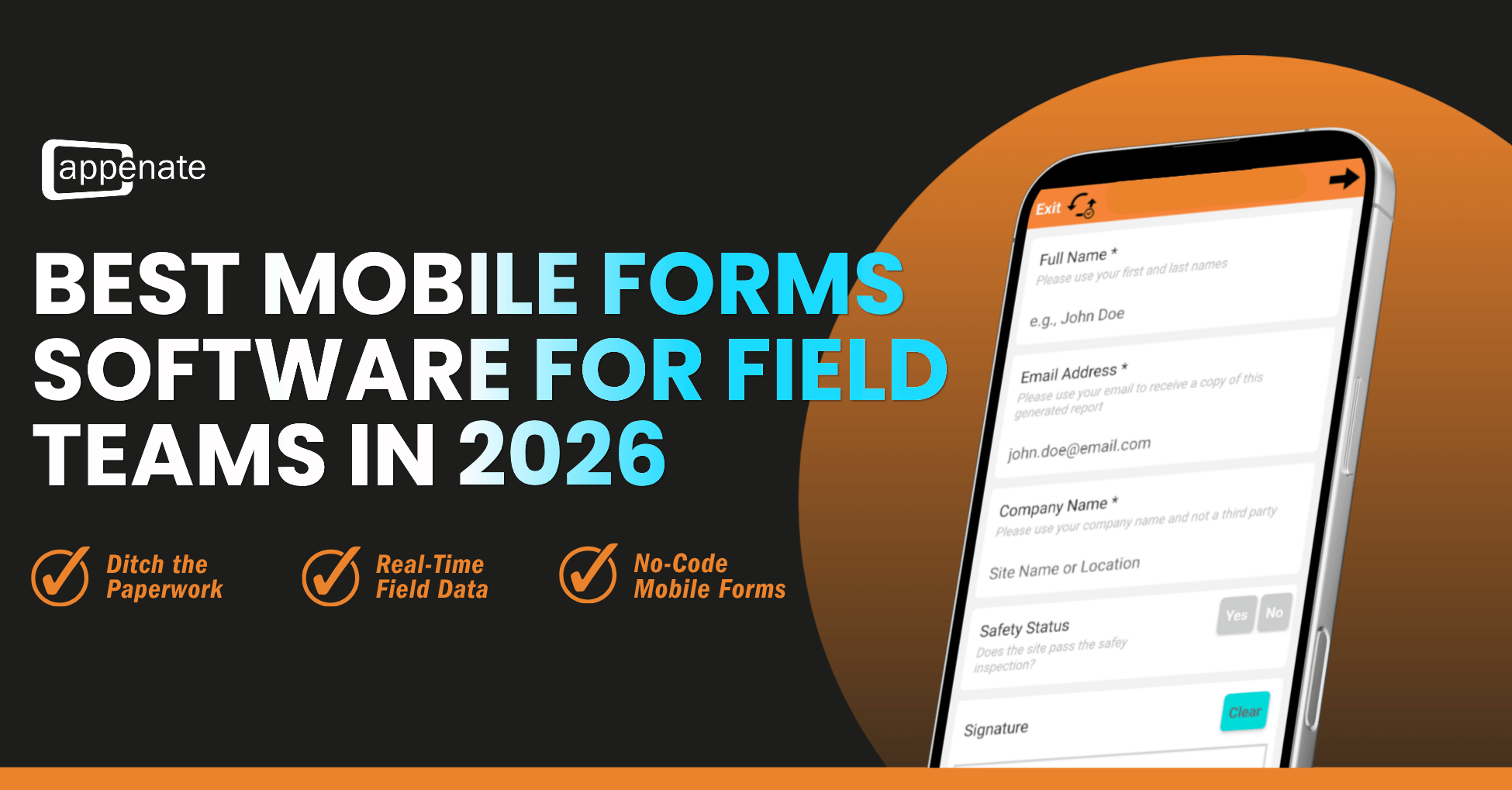
In 2026, enterprise field operations are moving faster than ever. Between managing complex asset lifecycles, meeting strict regulatory compliance requirements, and keeping remote technicians efficient, business leaders can no longer rely on legacy paperwork or clunky, web-reliant data tools.
If your field service teams spend their days in low-connectivity zones, such as underground mines, offshore rigs, or deep rural areas, they need a dedicated mobile forms software that doesn’t blink when the signal drops. They need robust offline mobile forms, seamless cross-platform deployment, and advanced form automation that keeps the back office moving in real time.
Choosing the right platform out of a crowded market is tough. To save you weeks of scheduling sales demos, we’ve broken down the top enterprise-grade digital forms platforms for 2026 based on field reliability, automation capabilities, and total cost of ownership.
| Platform | Best For | Offline Reliability | Workflow Automation | Cross-Platform Compatibility |
|---|---|---|---|---|
| Appenate | Advanced multi-step workflows & heavy industrial offline use | 10/10 | Exceptional | iOS, Android, Windows |
| TrueContext | Large-scale AI data analytics & rigid corporate IT routing | 9/10 | Advanced | iOS, Android, Windows |
| GoFormz | Replicating exact paper PDF layouts digitally | 8/10 | Standard | iOS, Android, Windows, Web |
| GoCanvas | Basic clipboard-to-digital conversions for smaller operations | 7/10 | Basic | iOS, Android |
| Fulcrum | Map-heavy, GIS-centric field inspections | 8/10 | Specialized | iOS, Android |
| Jotform Enterprise | High-volume web forms and internal office-first data capture | 6/10 | Standard | Web-first, iOS, Android |
Deep Dive: Evaluating the Top Platforms for 2026
1. Appenate: The Heavyweight Champion for Remote Field Work
Appenate isn’t just a basic form-builder; it’s an agile framework designed specifically for complex, industrial field service apps. Backed by multiple G2 Leader and High Performer awards for outstanding user satisfaction, implementation, and customer support, it’s a platform built from the ground up for harsh operational realities. While many competitors treat offline functionality as a background sync feature, Appenate is built “offline-first.” Your field teams can access deep, cached asset registries, complete massive compliance audits, and trigger multi-stage approvals entirely disconnected from the grid.
- Offline Mobile Forms: 10/10. Full local caching ensures that photos, signatures, GPS data, and repeating tables are safely stored on the device until a stable connection is found.
- Form Automation Edge: Appenate’s Process Steps feature enables complex enterprise workflows to flow natively between field technicians, area managers, and external clients, creating a unified operations loop.
- AI-Driven Efficiency & Predictable Scaling: With newly added AI Features such as AI Form Generation, hands-free voice input, and real-time dashboard data distillation, it drastically reduces technical friction on site. Best of all, with highly transparent, stable tier pricing ranging from $20 to $36/user/month (billed annually) and a flat 5-user minimum, growing operations are never penalized with hidden corporate traps or ballooning user costs.
Best For: Mid-market and enterprise operations looking for ultimate flexibility, robust offline performance, and premium automation features without bloated corporate pricing.
2. TrueContext (Formerly ProntoForms)
TrueContext remains a prominent player in the enterprise forms landscape. Positioned as a “field intelligence platform,” it specializes in turning raw field signals into structured data ready for corporate AI stacks and large databases.
Key Consideration: TrueContext excels at highly granular corporate data routing, but it comes with a steep learning curve and a premium price tag that often catches scaling businesses off-guard.
- Pros: Top-tier compliance reporting and seamless integration with massive IT setups like Salesforce Enterprise and SharePoint.
- Cons: The interface can feel rigid, and configuring advanced conditional logic for long forms requires specialized training.
Best For: Massive corporations with large IT budgets who want to funnel field data directly into complex enterprise analytics.
3. GoFormz: The Traditional Paper Replica
If your organization is specifically looking for GoForms alternatives to move away from rigid PDF replication, it helps to understand what GoFormz does best. GoFormz is famous for turning your exact paper forms into digital replicas on a tablet screen.
- Pros: Excellent user adoption for teams that are terrified of losing their traditional paper layout.
- Cons: While it acts as a comfortable stepping stone, keeping an exact PDF layout on a small smartphone screen is incredibly frustrating for field technicians. It lacks the fluidity on the screen required for rapid data entry.
- Automation: Good basic routing, though it struggles with complex, multi-layered relational databases.
Best For: Teams transitioning directly from paper who want to keep their exact visual documents intact during early digitization.
4. GoCanvas
GoCanvas is a well-known name for basic clipboard replacement. It provides a simple drag-and-drop builder to help field teams quickly launch digital work orders, inspections, and delivery sheets.
- Pros: Very quick to set up for basic use cases; intuitive user interface for beginners.
- Cons: In recent years, platform updates and corporate restructuring have pushed pricing upward without a matching increase in advanced functionality. It lacks the deep formula builders and robust data validation rules that heavy enterprise field teams require.
Best For: Small-to-medium field teams looking for a straightforward, entry-level replacement for basic paperwork.
5. Fulcrum
Fulcrum specializes in location data, mapping, and GIS tracking. If your field teams spend more time looking at maps and spatial data layers than they do filling out text fields, Fulcrum is a strong candidate.
- Pros: Exceptional geospatial capabilities and map overlays for environmental tracking or asset management.
- Cons: It is a niche tool. If you need to build non-spatial workflows, such as HR onboarding forms, inventory registries, or multi-step client sign-offs, Fulcrum’s map-centric design can feel cumbersome.
Best For: Engineering, environmental consulting, and surveying operations where geographic coordinates are the core of the data.
6. Jotform Enterprise
Jotform is a giant in the web-based form industry, and its Enterprise tier brings its massive library of visual widgets and slick design tools to corporate teams.
- Pros: Beautiful form designs, unmatched customer-facing layouts, and hundreds of out-of-the-box integrations.
- Cons: Jotform is inherently web-first. While its mobile application supports offline data collection, it is not engineered to withstand the brutal, low-connectivity demands of an industrial job site or handle heavy, offline database lookups.
Best For: Hybrid organizations where field teams alternate frequently between office environments and light field tasks, and where client-facing aesthetic design is a high priority.
3 Pillars to Look For in Enterprise Forms Software
Before committing your field team to a long-term contract, ensure your chosen platform ticks these three boxes:
- Cross-Platform Compatibility: Field workers carry a mix of hardware, ruggedized Android tablets, company iPhones, and Windows laptops. Your software must perform identically across iOS, Android, and Windows without requiring separate versions for each platform.
- True Offline Independence: A reliable app doesn’t just cache text. It must cache complex drop-down lists, historical asset data, client records, and media fields so technicians can access critical information completely offline.
- Deep Form Automation: The job shouldn’t stop when a form is submitted. Look for tools that can instantly trigger a PDF generation, email a client, ping a database, and open up a follow-up task for a supervisor simultaneously.
Frequently Asked Questions
Can you use digital forms completely without an internet connection? ▼
Yes, but only if the software is built with an “offline-first” architecture. Advanced mobile forms software like Appenate allows technicians to open, fill out, validate, and sign complex forms entirely offline. The data is safely cached on the device and automatically syncs to the cloud once a network connection is re-established.
What is the best alternative to TrueContext and GoFormz for mid-market businesses? ▼
Appenate is widely considered the top alternative. It provides the advanced data routing and offline workflow automation of TrueContext, alongside the easy cross-platform deployment of GoFormz, but without the premium enterprise price hikes, rigid layout limitations, or steep user minimums.
Does mobile forms software support Windows tablets and laptops? ▼
While most basic apps only support iOS and Android, enterprise-grade platforms like Appenate and TrueContext offer native Windows applications. This ensures your field teams experience identical cross-platform compatibility and layout fluidity whether they use a rugged smartphone, an iPad, or a Windows Surface laptop.
How do offline mobile forms maintain strict compliance (like GDPR or HIPAA) without connectivity? ▼
Industrial-grade mobile data platforms secure data locally by keeping all offline entries encrypted while temporarily stored in the application’s local device cache. Compliant platforms like Appenate are engineered to be fully GDPR and HIPAA ready, employing granular role-based user controls and automatic server synchronization protocols to eliminate localized data exposure risks in remote areas.
Final Verdict: Why Appenate Stands Out
While platforms like TrueContext offer incredible corporate data routing and GoFormz keeps old paper layouts alive, Appenate offers the most robust, field-ready platform for businesses that need absolute offline reliability and deep workflow customization. It’s no surprise that Appenate consistently holds multiple G2 awards for High Performer and Best Support, seamlessly bridging the gap between simple form builders and overly complex, expensive enterprise software.
Ready to empower your field team with mobile forms software built for the toughest environments?
Try Appenate free for 15 days, complete with full access to our premium features and live, 1-on-1 implementation support.
“Appenate’s support is the gold standard all other software suppliers should be attempting to achieve. What has surprised me is the level of support has not changed over time; it remains consistently good. “
Mark Chimes, Operations Manager
McClelland Concrete Pumping
Notice an error in our data? Please let us know.