
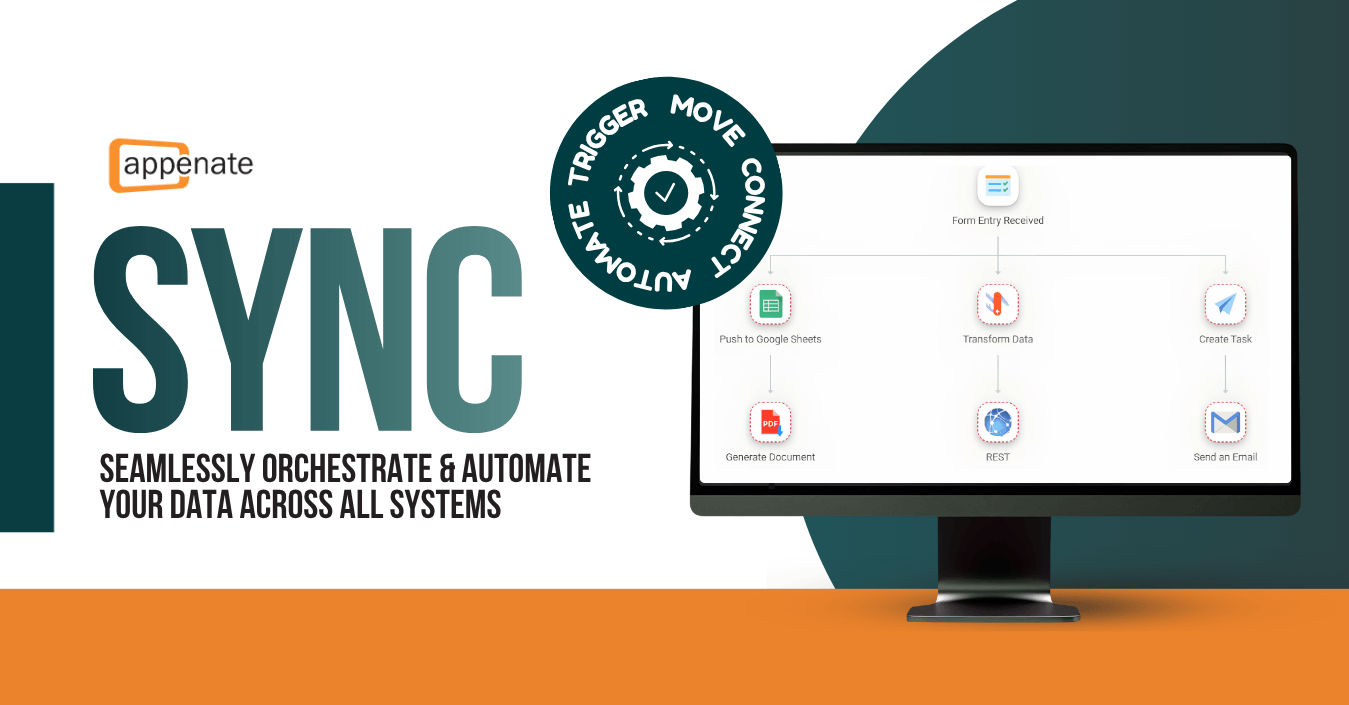
Sync is officially live! We are thrilled to announce the launch of our new modular, no-code automation engine built directly into Appenate.
Moving data traditionally meant relying on simple, one-directional pipes that send a file from Point A to Point B and just stop. But real-world business processes are rarely that simple.
What if a single field inspection submission didn’t just send a file, but could also transform raw values into structured data, apply logic to route information dynamically, and simultaneously orchestrate actions across your CRM, helpdesk, and team communications?
This is why we built Sync, to upgrade and systemize your workflows far beyond the limitations of basic connectors.
How It Works: The Core Concepts
To start building Syncs, you only need to understand two primary building blocks and how to control them:
The Trigger (The “When”)
Sync starts with a single trigger, which is the domino that starts the chain reaction. Sync supports five distinct trigger types to kick off your processes instantly or on a schedule:
- Form Entry Received: Fires the instant a user submits a mobile form.
- Email Received: Monitors a designated email address and parses inbound emails, extracting subjects, bodies, and attachments.
- Webhook Received: Connects external APIs directly to your engine when another app sends a request.
- Task Completed: Continues internal workflow steps when a platform task is marked done.
- Scheduled Trigger: Runs periodic, time-based routines, like pulling overdue records every morning.
Actions (The “Do”)
While the trigger starts the engine, Actions are the individual modular steps that do the actual heavy lifting. You can stack and chain as many actions as you need in a single Sync workflow.
We categorize Actions by function to help you find the right tool for the job:
- File Handling (Download & Upload): Move physical files like PDFs, images, or spreadsheets across your major cloud storage providers. You can download files to use in later steps or permanently upload generated documents to folders in Google Drive, Box, AWS S3, or Azure Blob.
- Data Management (Pull & Push): Move rows and columns rather than physical files. Use this to pull a client roster from a Google Sheet to verify a record, or push a fresh row of data directly to an Excel Online spreadsheet or SharePoint list every time an inspection is completed.
- Processing (Transform Data): Reshape and clean your data on the fly. You can use the Transform action to map data into new formats, or use the Generate Document action to merge your data into Word and Excel templates to create polished PDFs.
- Platform Logic (Update Entity): Interact directly with the internal Appenate platform. You can completely replace all rows in an existing platform Data Source with fresh data from your Sync, or automatically generate a brand new Task within our system for a team member to complete.
- Communication (Send Message): Keep the right people in the loop as your process runs. Use the Email action to send highly customizable emails, insert dynamic data fields from previous steps into the subject or body, and attach generated files.
Flexible Logic & Control
Data rarely arrives perfectly formatted. Sync gives you clear control over how your data behaves as it passes from step to step:
- Run Conditions: Configure actions to run only when specific criteria are met, preventing unnecessary workflow execution.
- Delay Actions: Pause the workflow for a specific duration or until an exact date, perfect for creating structured follow-ups or timed alerts.
- JSON Path Mapping: Received a complex nested payload from a webhook or database query? Use JSON Paths to cleanly dissect, extract, and massage the exact data you need.
Your Data Is Yours
Everything you do on the Appenate platform remains under your ownership, guaranteed. To support data residency requirements and reduce latency, we host in three key regions: USA, Europe, and Australia. Data is encrypted in transit and at rest.
Fair Pricing: We Don’t Charge Per Action
Unlike most automation services, we don’t charge per individual Action. Instead, we meter once per whole run of a Sync, including any auto-retries due to errors. Whether your Sync requires two or twenty Actions to get the job done right, the price remains the same. You can build your processes as robustly as you need without constantly checking the budget.
Available Now
Sync is available now with a 30-day free trial.
To get started, head to your Billing page within the web portal, select Sync, choose a plan that fits your operational needs, and activate your trial by clicking TRY.
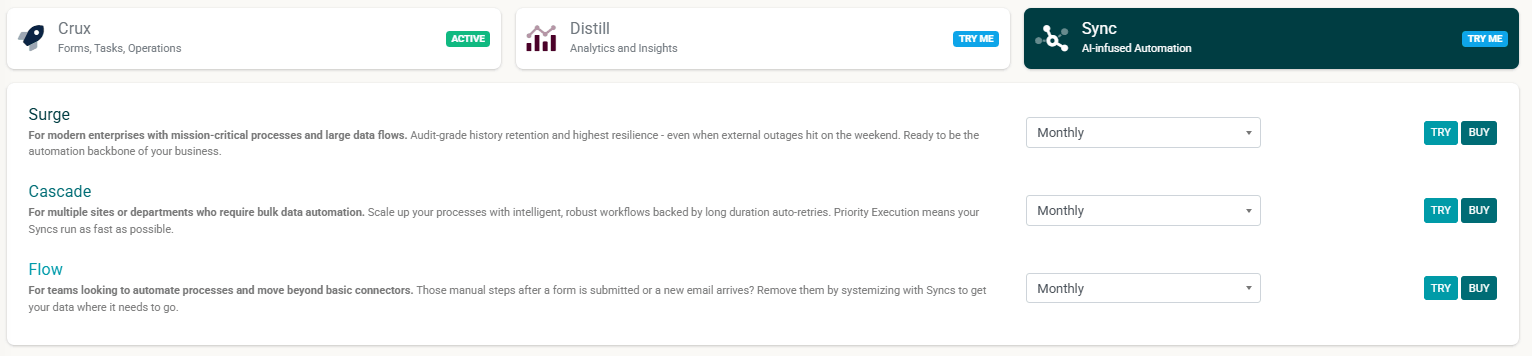
You can also explore the Knowledge Base for documentation on how to get started.
We’re excited to see how you put Sync to work. As with any new features, your feedback is incredibly valuable to us.
If you have questions or notice anything that could be improved, please let us know at customer@appenate.com.